 ← Pickerty Resource Center
Sign-up sheet, appointments, or walk-ins. Here's how to pick.
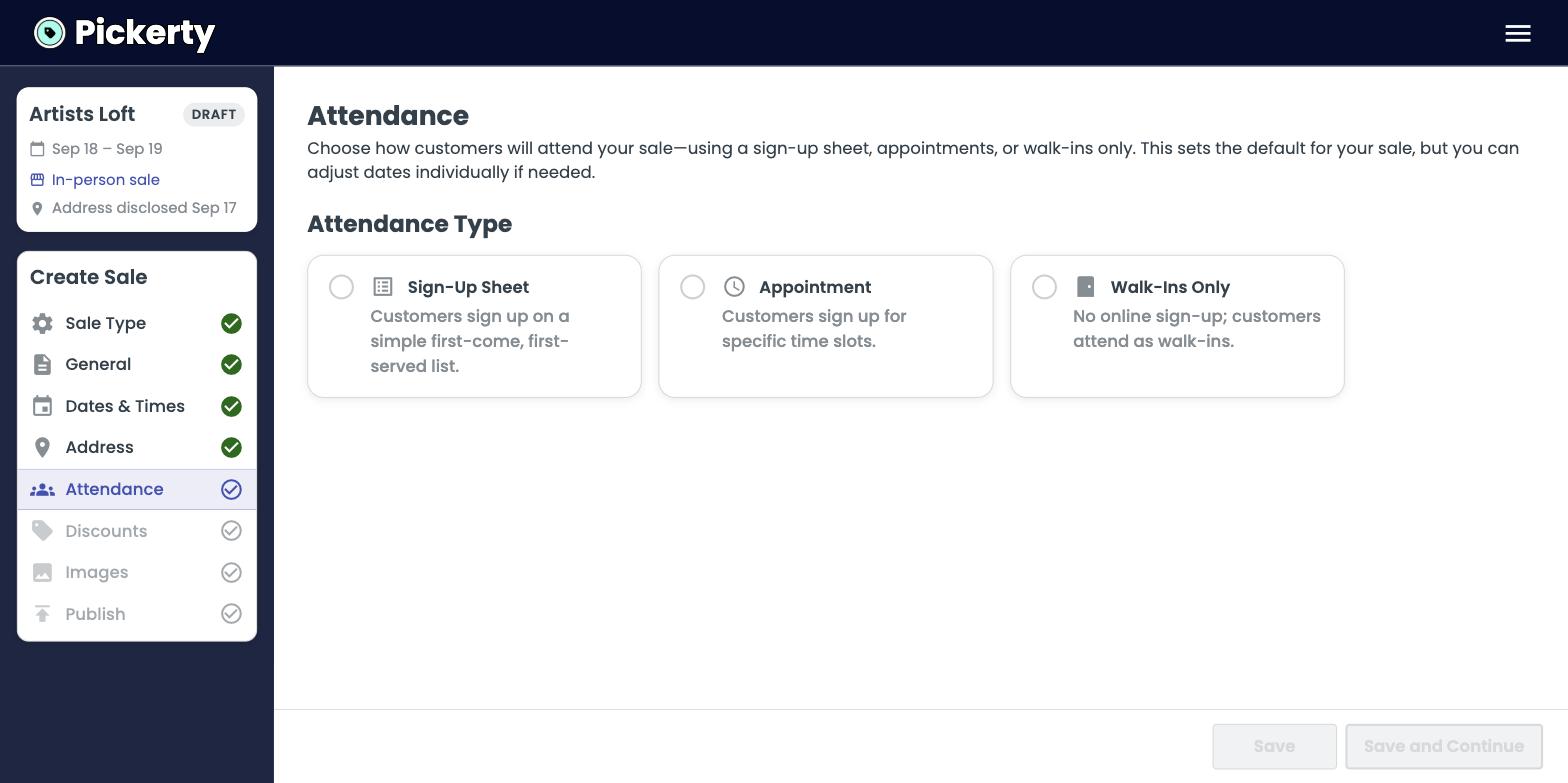
This is the Attendance step of setting up an in-person sale. Pickerty gives you three ways to manage how shoppers attend.
If you set Address visibility to Private on the Address step, walk-ins are off for the whole sale — nobody can turn up at an address they were never given. Choose Public with a late release time if you want a quiet address and walk-ins both. See Keeping your address private.
What it is: the online version of a paper list/street numbers etc. Shoppers claim a number: first come, first served. Number 1 goes in first, then number 2, and so on.
Use it when: this is a more convenient, streamlined version of your normal sale. Most companies use this for most sales.
What it is: shoppers book a specific time slot — 9:00, 9:30, 10:00. You decide how long each slot is and how many people fit in each one.
Use it when: there are building or community restrictions, the driveway is tight, the neighbors complain, or you're selling high-value items and to limit access.
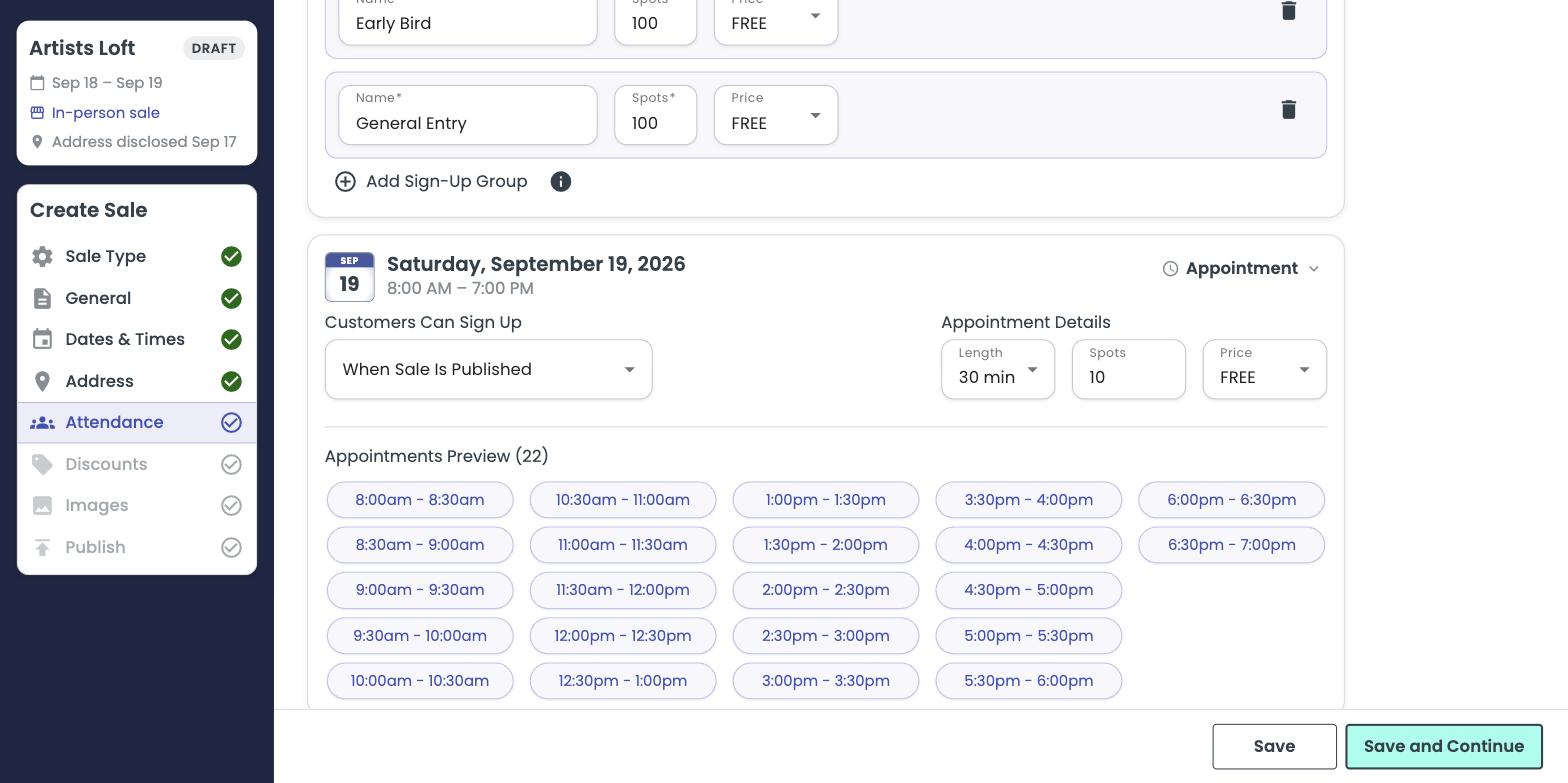
You choose:
What it is: no online sign-up at all. People just show up.
Use it when: the crowd is small and predictable, you don't expect a line, or you're not (yet) comfortable using an online sign-up sheet.
Set the sale-wide choice at the top, then change any single day using the dropdown on the right of that day's box.
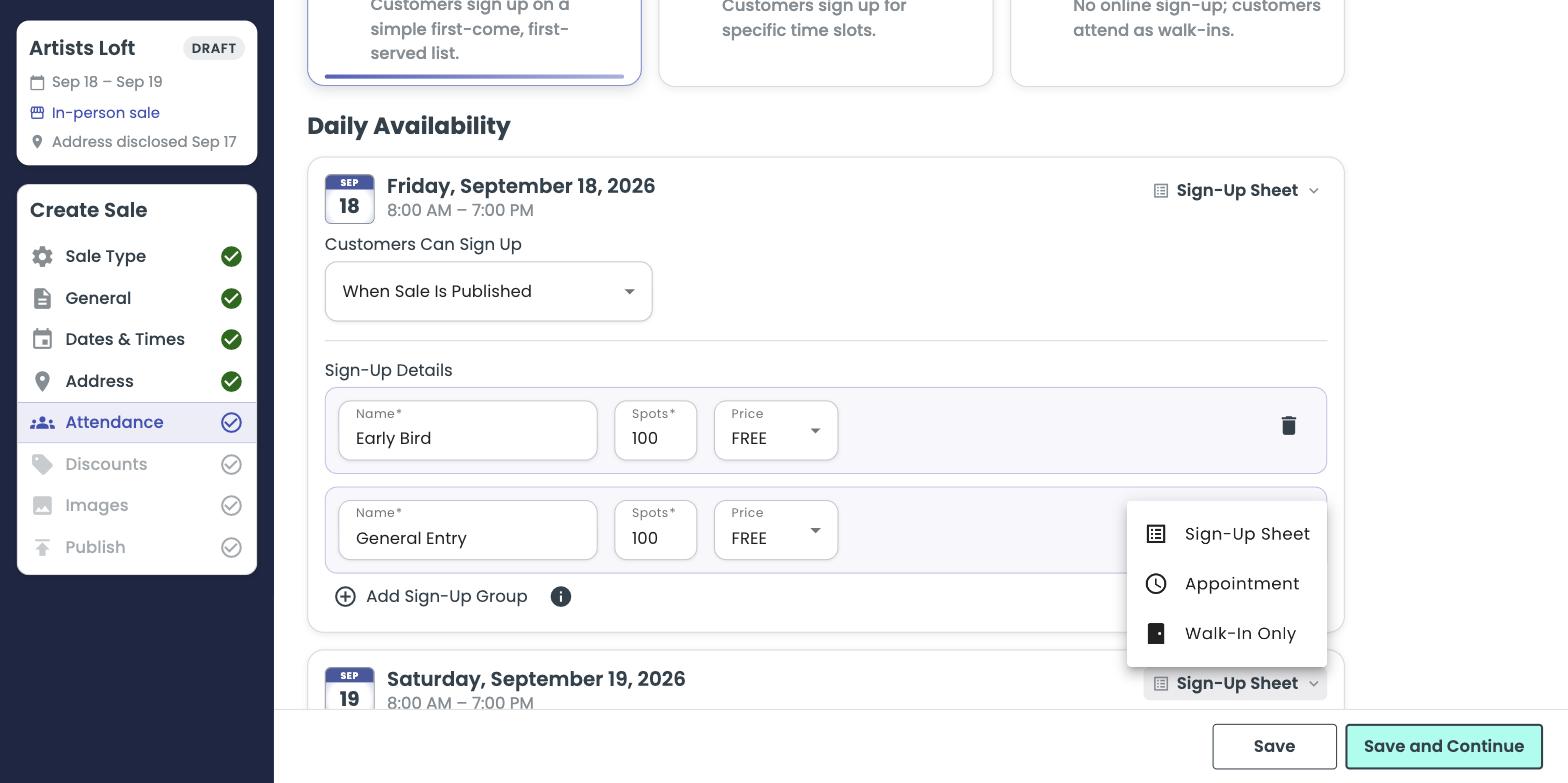
Friday: appointments, so the first day is calm and controlled. Saturday: sign-up sheet, to move volume. Sunday: walk-ins only, for the half-price rush.
Each day has a Customers Can Sign Up dropdown with two choices: