 ← Pickerty Resource Center
Offer money off once a shopper spends a certain amount.
The Discounts step of setting up a sale. A discount in Pickerty always works the same way: spend this much, get this much off.
An online-only sale has no Discounts step. See Online-only sales.
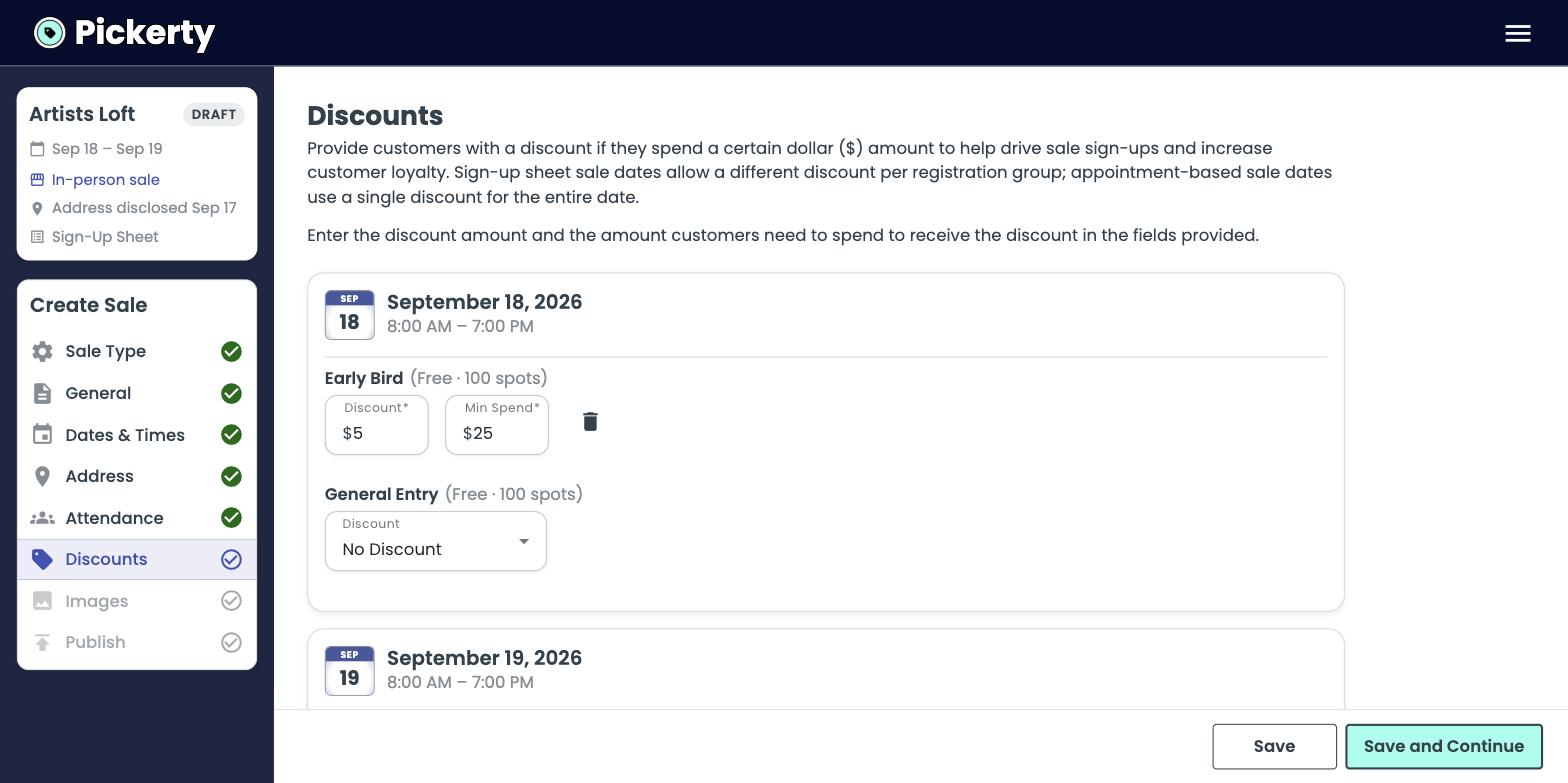
Discounts work on sign-up sheet days and appointment days only. A day set to Walk-Ins has no sign-up list, so there's nobody to give a discount to.
To remove a discount, click the trash icon beside it.
| Goal | Try |
|---|---|
| Give a paid spot fee back | Discount = the fee you charged. Min spend around 2× the fee. |
| Raise the average basket | Set the min spend just above what people normally spend. |
| Fill a slow day | Reward people for signing up. |
The discount is shown to shoppers when they sign up, but people skim. Repeat it in your sale description just to be safe.