 ← Pickerty Resource Center
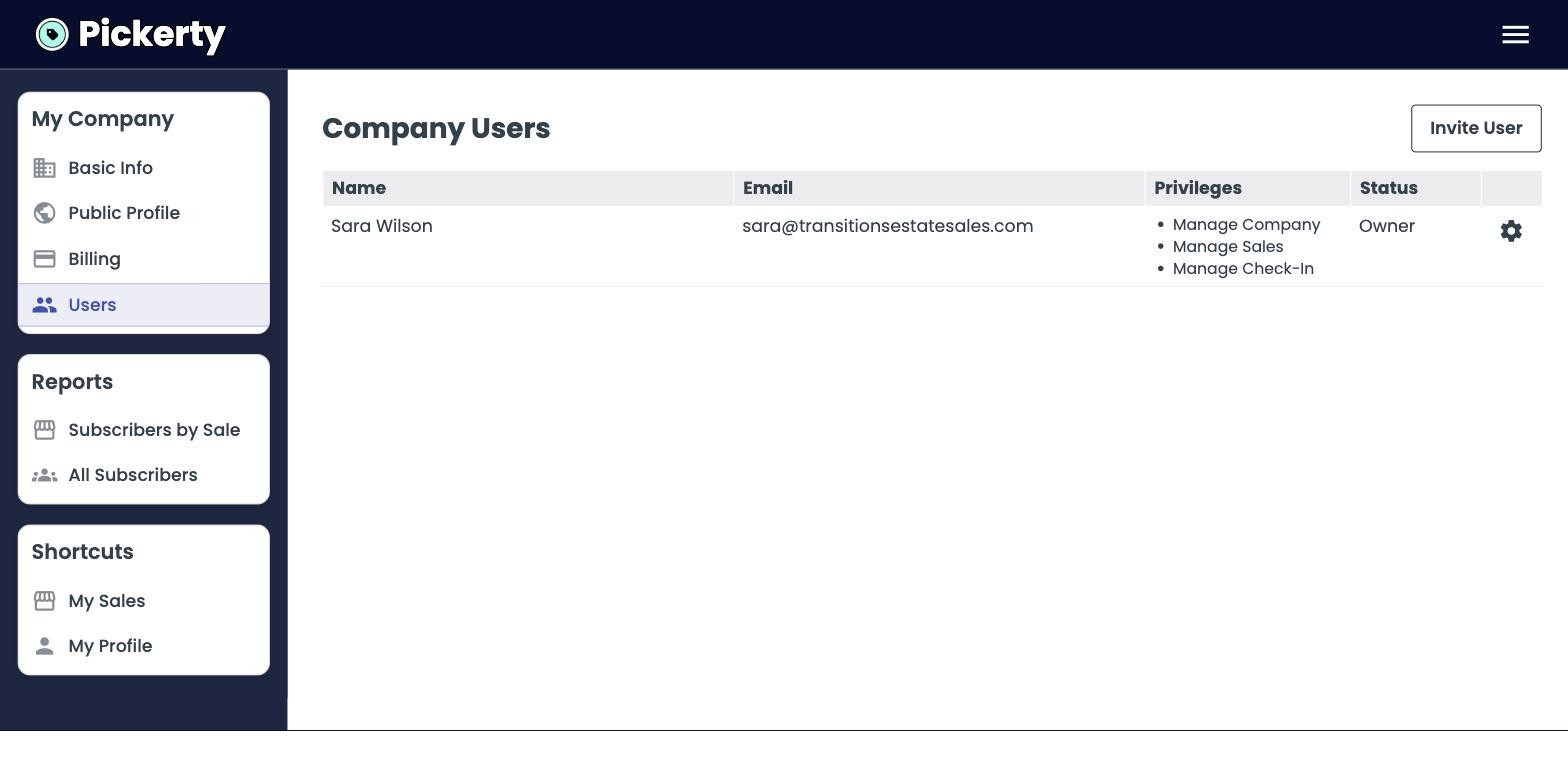
Give your staff their own logins, and decide what each one can do.
Don't share your account with your team members. Give each person on your crew their own account. If someone leaves, you switch them off without changing anything else.
They get an email with a link to set up their own password. Until they do, they show up under Pending Invitations.
| Permission | What it lets them do | Good for |
|---|---|---|
| Manage Company | Everything — settings, billing, your public profile, and adding or removing staff. | You, and a business partner. |
| Manage Sales | Create and edit sales. | Whoever creates your listings and uploads photos. |
| Check-In Attendees | Check people in and manage the line on sale day. Nothing else. | Door staff and weekend helpers. |
A helper working the door only needs Check-In Attendees. That way they cannot accidentally change your sale listings, your dates, or your billing.
To change or remove someone later, click the gear icon at the end of their row.