 ← Pickerty Resource Center
Two ready-made tools under the Marketing menu.
Open any published sale and look at the left-hand menu, under Marketing.
This page gives you two things to paste into your listing on other estate sale listing sites, Craigslist, Facebook, or anywhere else.
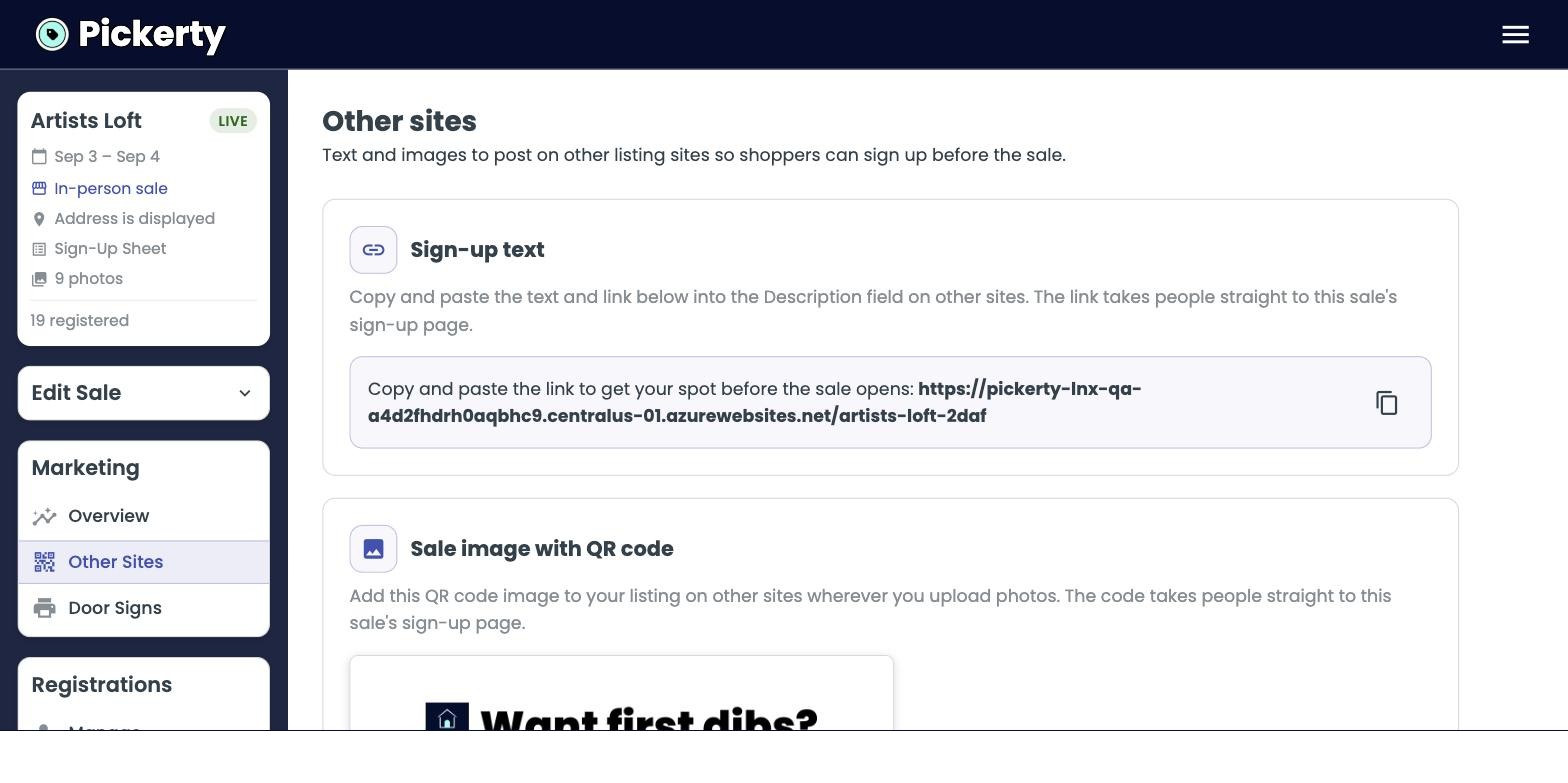
People don't always read descriptions and some listing sites strip out links. A picture always survives. Upload the QR image as your second photo and people will notice it.
Printable signs to hang up at the sale itself to help manage walk-in traffic or people who missed signing up in advance.
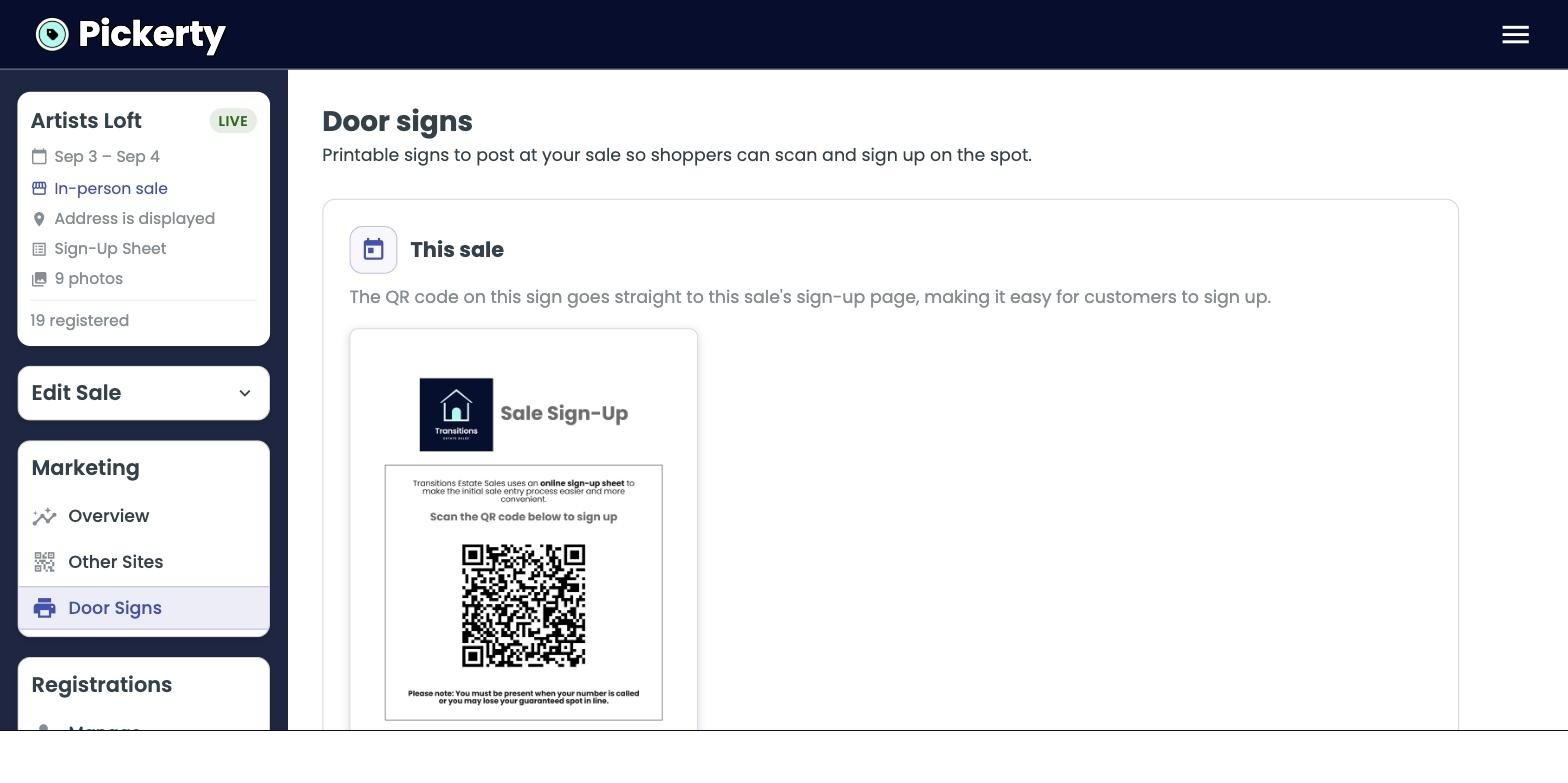
There are two versions:
| Sign | Where its code leads | How to use it |
|---|---|---|
| This sale | This sale's sign-up page. | Print fresh for each sale. Tape it to the front door the day before. |
| Every sale | Your company page, listing all your sales. | Print once, laminate it, reuse it forever. |
Both have a check box: Include Spanish version in download. Check it and you get both languages in the same file.
The Every sale sign is the workhorse. Put it on the checkout table at every sale you run. People who liked today's sale will scan it and find your next one.